This article is written for: ❌ Zello Work ✅ Zello Friends & Family
This article only applies to Android users.
For help adjusting contact volumes on Zello Work, please reference this support article.
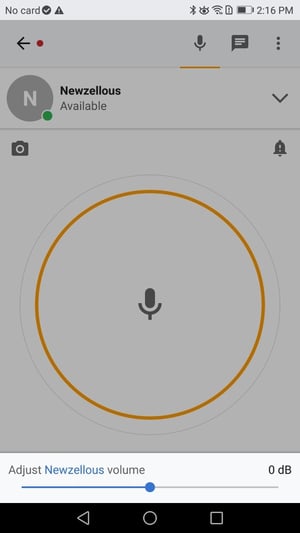
To adjust the volume of incoming messages from a specific contact, open the talk screen of the desired contact. From there, select the three horizontal lines icon in the lower right corner of the screen.
This will open a sliding bar where you can increase or decrease the volume of messages from that contact. Please note that this will only change the volume for the selected contact.