This article is written for: ❌ Zello Work ✅ Zello Friends & Family
Disabling Automatic Gain
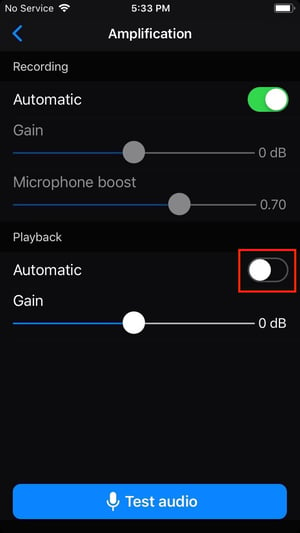
To enable individual volume control, first you must disable automatic gain from the audio settings menu.
- From the main menu, select Options/Settings.
- Select Audio.
- Select Amplication.
- In the Playback section, toggle off Automatic Gain.
Adjusting User Volume
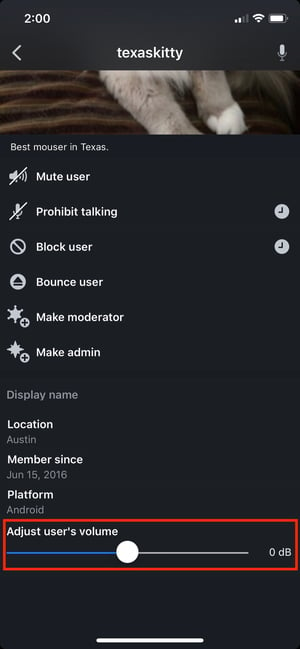
Once you've disabled automatic gain, you can adjust individual user volumes from any channel talk screen.
- While a user is talking in the channel, tap on their profile picture.
- Scroll down to adjust the volume slider.