This article is written for: ❌ Zello Work ✅ Zello Friends & Family
If you've forgotten the password to a channel that you own, follow the instructions below to change it.
-
Sign into your Zello account here.
-
Select the My channels tab.
-
Select the edit icon to the name of the channel.
-
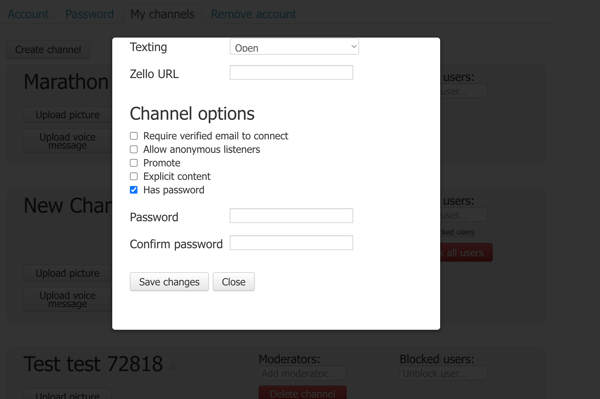
Scroll to the Channel options section.
-
Edit the Password and Confirm password fields as desired.