This article is written for: ❌ Zello Work ✅ Zello Friends & Family
If you'd like to invite friends to join your channel, follow the steps below for the type of device you're using.
Android
-
Tap Channels on the menu bar at the bottom of the screen.
-
Select the channel you wish to share.
-
Tap the channel picture in the top left corner.
-
Select the connected dots icon at the bottom right corner of the channel picture.
-
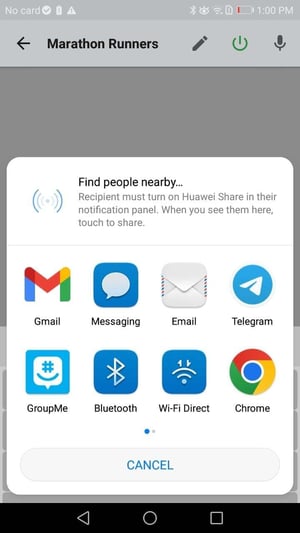
Select the desired app from the list of options to send a channel invitation.
iOS
-
Tap Channels on the menu bar at the bottom of the screen.
-
Tap the channel picture in the top left corner.
-
Tap the horizontal dots icon in the top right corner.
-
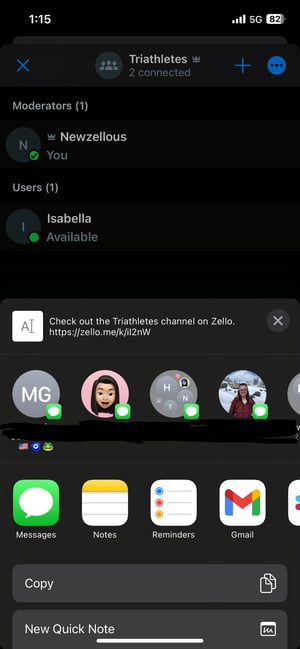
Select Share.
-
Select the desired app from the list of options to send a channel invitation.