
This article is written for: ✅ Zello Work ❌ Zello Friends & Family.
At any point in time, admins can quickly and easily delete users from their Zello Work network. Deletion will remove a user's access to your private workspace, ensuring communications remain secure and targeted.
Please note that deleting users doesn't necessarily modify your subscription; for information about decreasing the number of users you're subscribed for, see this article.
To delete users from your network:
- Sign in to the Management Console at [yournetworkname].zellowork.com.
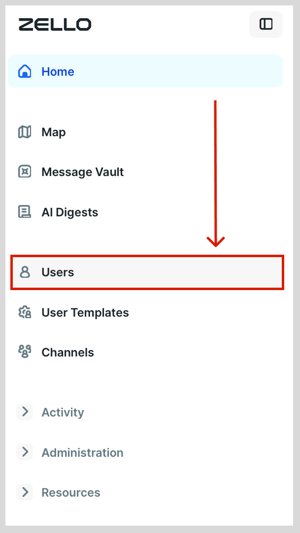
- Select Users.
- Click the checkbox to the left of any user(s) you'd like removed from your network.

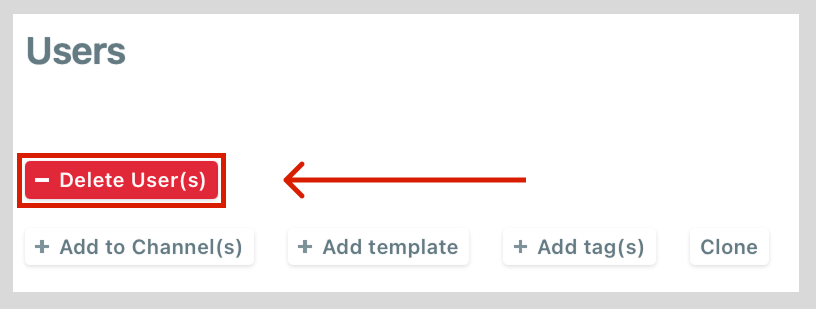
- Click -Delete User(s).
Once deleted, the user will disappear from the user list. They will no longer be able to sign in to your network.