This article is written for: ✅ Zello Work ❌ Zello Friends & Family.
Admins can disable image messaging—the ability to send images over a Zello Work network—for all users via the management console.
To disable image messaging:
- Sign in to the management console at [yournetworkname].zellowork.com.
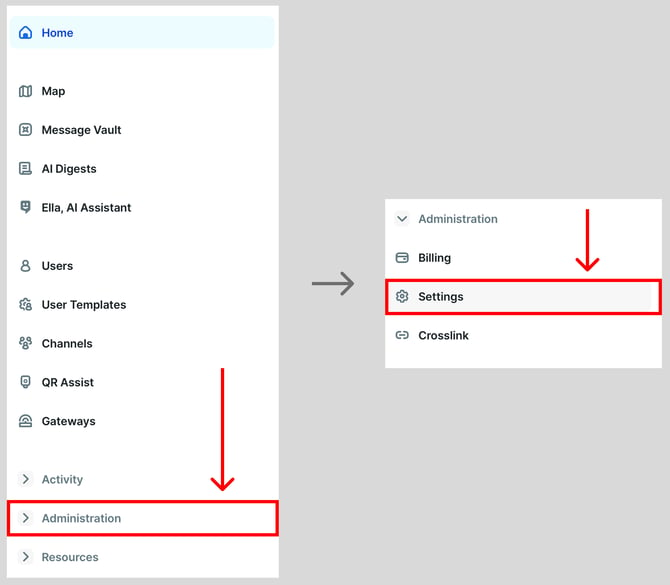
- Click Administration and then click Settings.
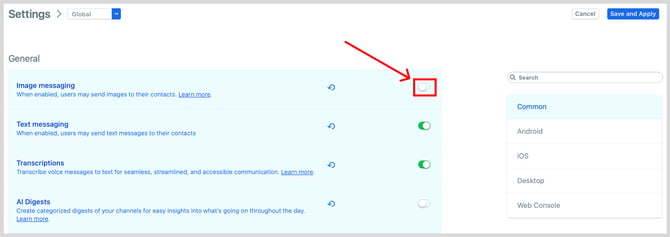
- Locate the image messaging setting and use the toggle to turn it on or off. When the toggle is green, text messaging is enabled.
-
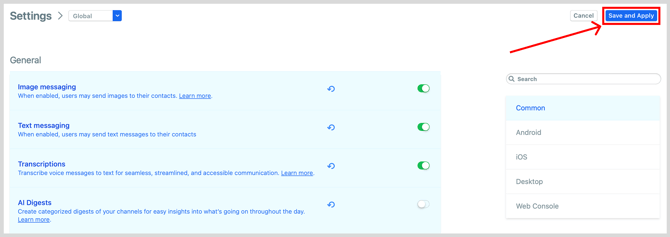
Click Save and Apply.