This article is written for: ✅ Zello Work ❌ Zello Friends & Family.
Admins can enable text messaging for their network's iOS and Android users. Texting is available for 1:1 messages, group conversations, and and all channel types.
While texts sent between direct contacts will create a push notification for the recipient (even if they're offline), texts sent to a channel are only received by those connected to the channel at the time of sending.
Learn how to send text messages on Zello.
Admins: Enable/disable text messages
Admins can enable or disable text messages from the console. To do so:
- Sign in to the management console at [yournetworkname].zellowork.com.
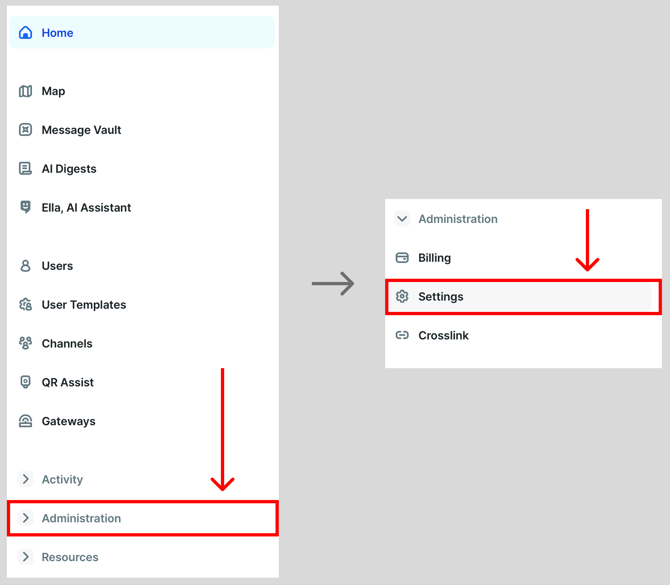
- Click Administration and then click Settings.
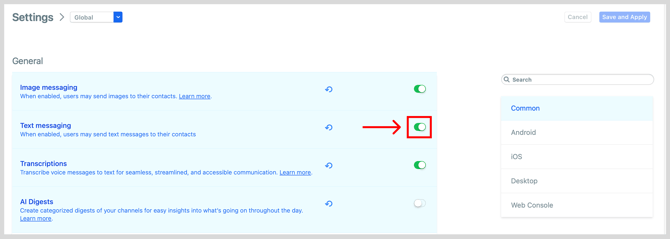
- Locate the Text Messaging setting and use the toggle to turn it on or off. When the toggle is green, text messaging is enabled.
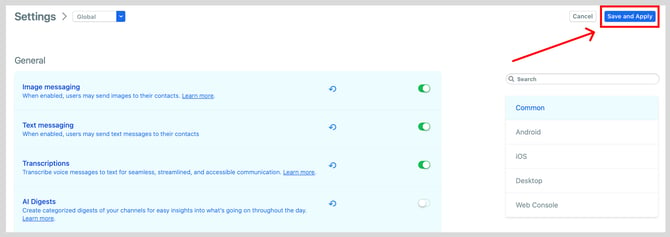
- Tap Save and Apply.