This article is written for: ✅ Zello Work ❌ Zello Friends & Family.
Your payment information can be updated at any time from the management console. Please note that only primary admins can access the network's billing information.
- Sign in to the management console at [yournetworkname].zellowork.com.
- From the taskbar, select Billing.

-
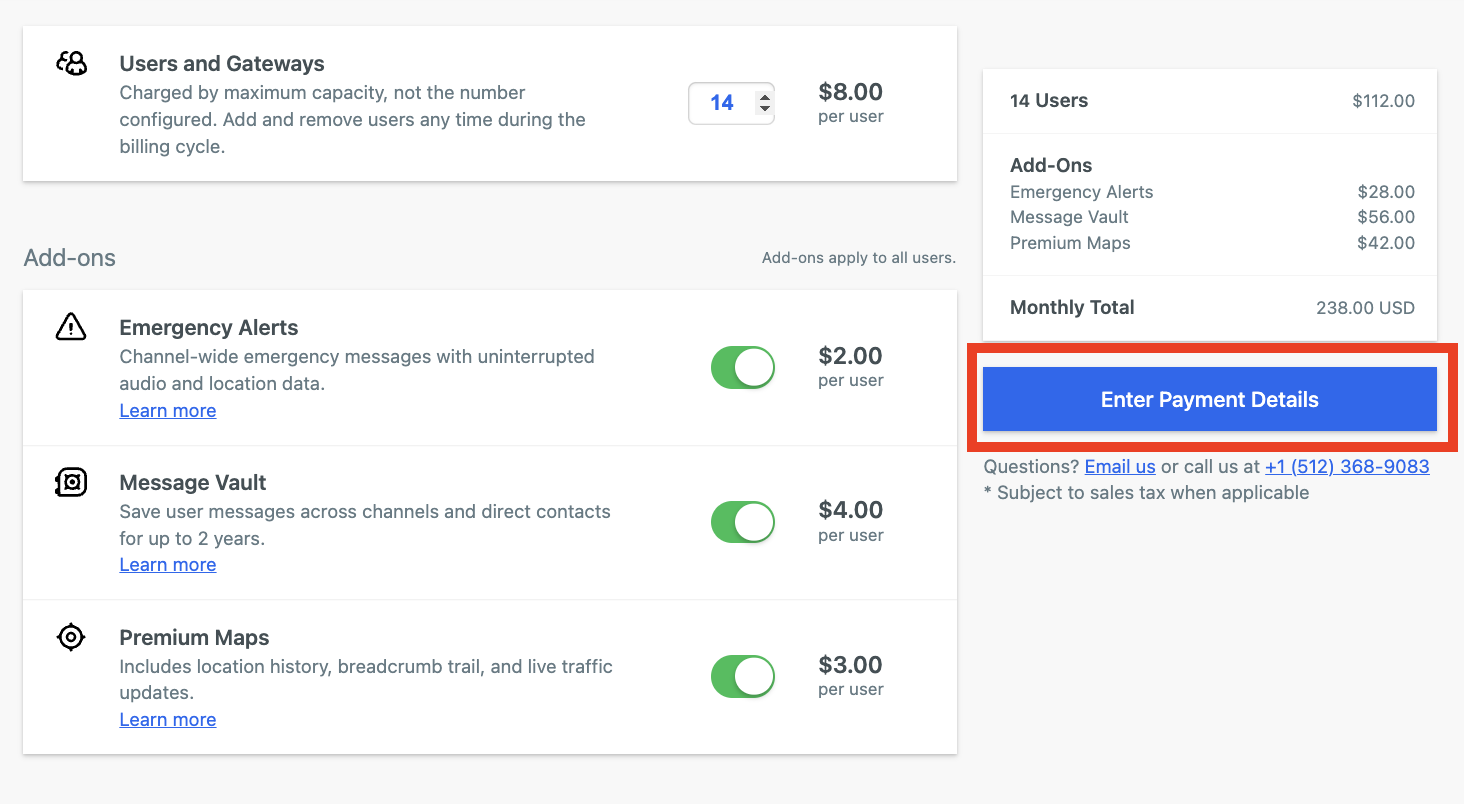
Click Enter Payment Details. Edit and save your information as necessary.