This article is written for: ✅ Zello Work ❌ Zello Friends & Family.
Network admins can update or add an email address for existing users via the management console by following the instructions below.
Admins: Add or Update Email Address
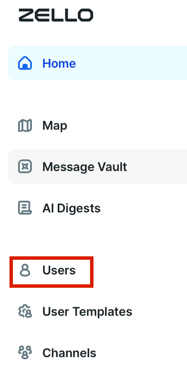
1) From the management console, select the Users tab.
2) Select the intended account from the user list and click their username.

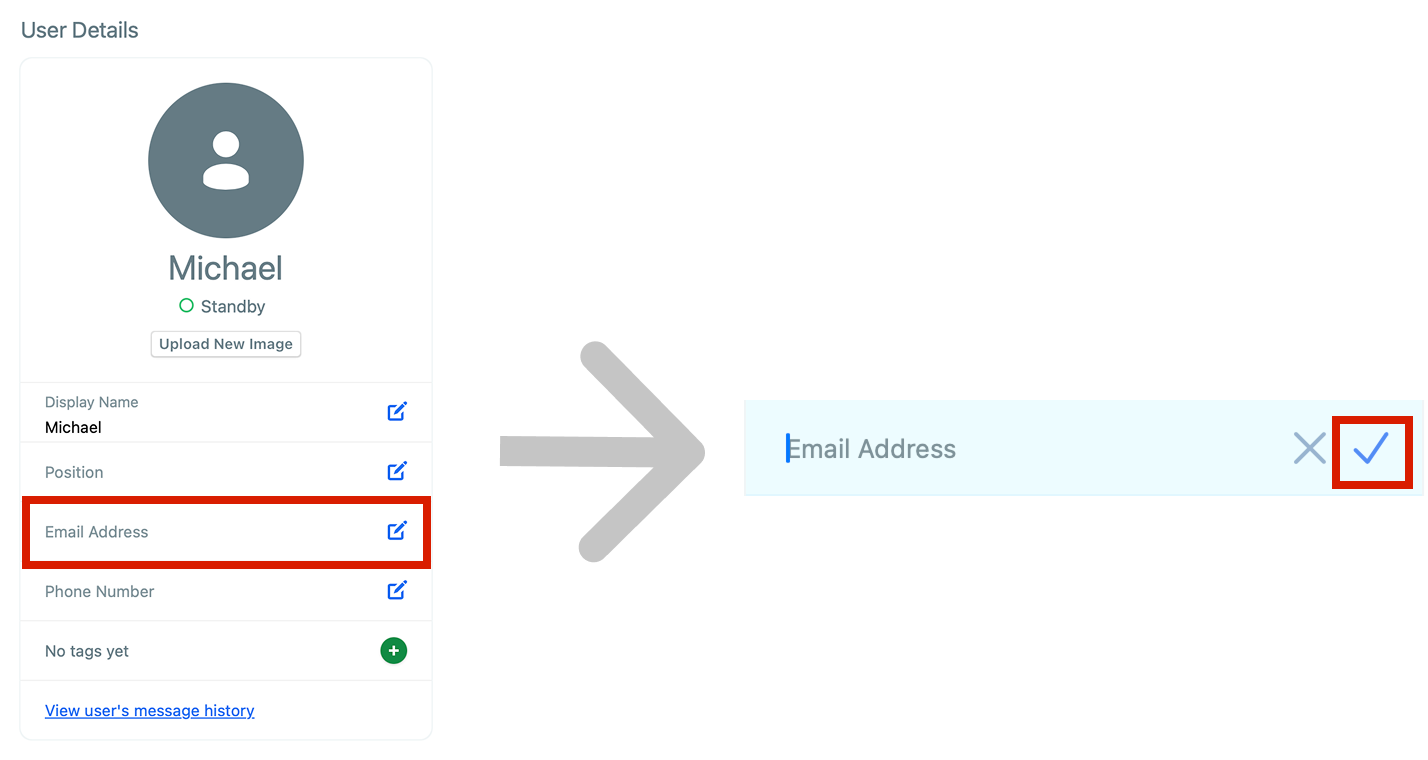
3) Click on the Email Address field. Type or edit the email that you want registered for the user. Finally, click the checkmark to confirm.