
This article is written for: ✅ Zello Work ❌ Zello Friends & Family.
Widgets allow you to share images and send voice messages from the home screens on an Android device. You can have multiple contact and channel widgets.
If you'd like to integrate Zello with your app, you can support Zello widgets and PTT directly from your app. Both Zello For Work and free Zello support widgets.
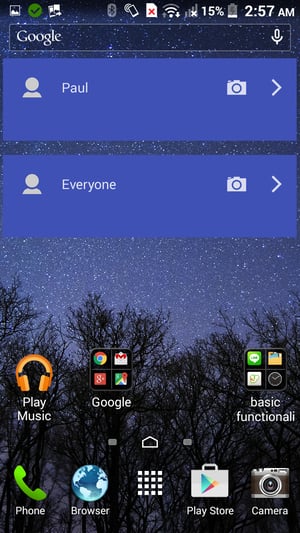
Using widgets
Click here for a video explanation.
1) Add a Zello for Work widget to your home screen.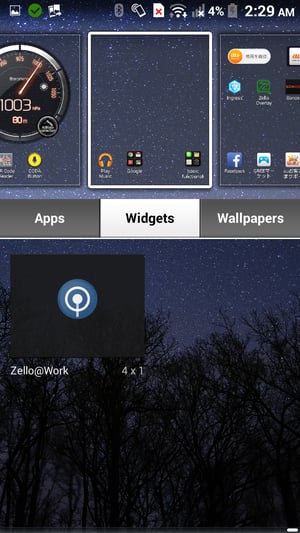
2) Tap the icon to add a user to the widget then select a contact or channel.
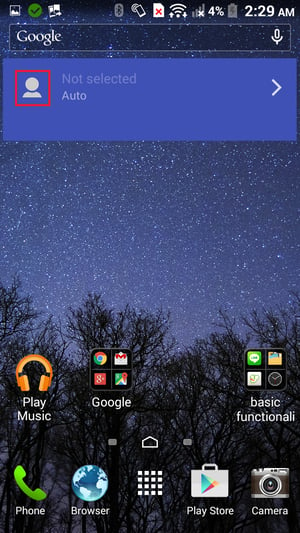 |
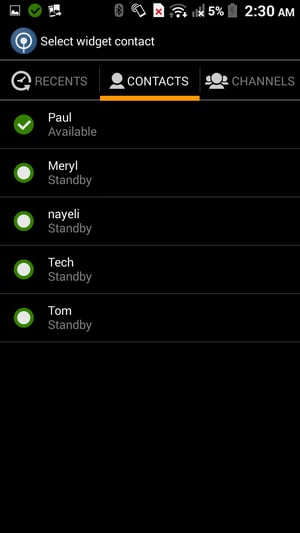 |
3) Tap on the user to start talking and tap again to stop sending. Tap on the camera to share an image with the contact.
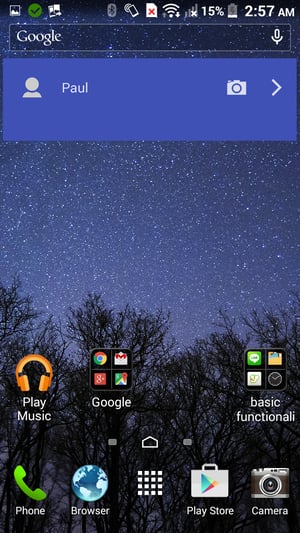 |
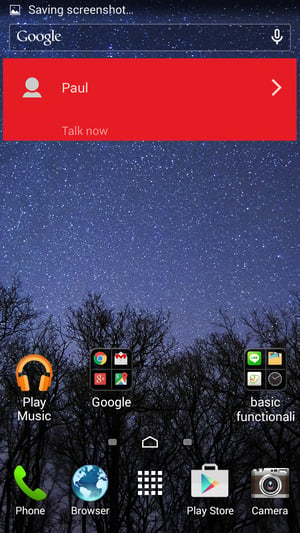 |